Production-ready template
The FastAPI template brings structure, conventions and a working setup. A whitelabel variant exists for products shipping under several brands.

Technology
FastAPI is quick to write. Getting to production needs a database, container image, server with reverse proxy and certificate, and a home for credentials. The platform sets that up.
Start for free. No credit card required.
FastAPI takes care of the API work. What remains is the environment around it, and that is what the platform provides.
A look at the work a hand-built Python environment involves and how much of it the platform takes over.
| Task | With the Application Platform | Set up yourself |
|---|---|---|
| Project structure and repository | Fully covered: Generated from a production-ready FastAPI template with settled conventions | Not offered: Create the repository and agree structure and conventions in the team |
| Python environment and dependencies | Fully covered: Run inside a container, identical in CI and on the server | Not offered: Keep interpreter version and dependencies aligned on every machine |
| Build and deployment pipeline | Fully covered: GitLab CI pipeline for test, build, publish and release comes with the project | Not offered: Write the pipeline, provision runners, work out caching and artefacts |
| Database | Fully covered: MySQL is provisioned during server setup, backups included | Not offered: Install and harden the database, create users, plan the backups |
| Exposing the API publicly | Fully covered: Reverse proxy, domain and SSL are part of the setup | Not offered: Configure the application server and proxy, keep certificates renewed |
| Credentials and API keys | Fully covered: Central to the project, separated per environment, handed to pipeline and runtime | Partly covered: Spread across files on servers, CI variables and local copies |
| Publishing Python packages | Fully covered: Built in CI and published in the project, with access rights per artefact | Partly covered: Run your own registry or copy code between repositories |
| Web and mobile clients | Fully covered: A Next.js frontend and a Flutter app can live in the same project | Partly covered: Separate setups with their own pipelines, servers and secrets |
| Errors in production | Fully covered: Sentry is fully configured, errors arrive with stack trace, release and context | Partly covered: Search logs or integrate error tracking yourself |
| Traceability of environments | Fully covered: Environments and deployments live as configuration in the Git history | Not offered: Server state accumulates over time and is rarely documented |
Green means fully covered, amber partly, grey still on you. Doing it yourself is workable, it just consumes time that never reaches your domain logic.
As of 17 August 2026. This comparison describes typical workflows and can differ from project to project.
The pieces a Python backend needs once something depends on it.
The FastAPI template brings structure, conventions and a working setup. A whitelabel variant exists for products shipping under several brands.
Docker, MySQL, reverse proxy, SSL, firewall and backups are configured automatically, on your own machines as well as managed ones.
Test, build, publish and release run through GitLab CI configuration that sits readable in your repository and can be edited.
Sentry is set up end to end. Exceptions arrive with a stack trace, the affected release and context instead of a single log line.
application:
  backend_configuration:
    image_tag: 0.26.8-98
  frontend_configurations:
    customer-frontend:
      image_tag: 0.15.6-80
    admin-app:
image_tag: 0.12.1-42Four steps from creating the project to a reachable API.
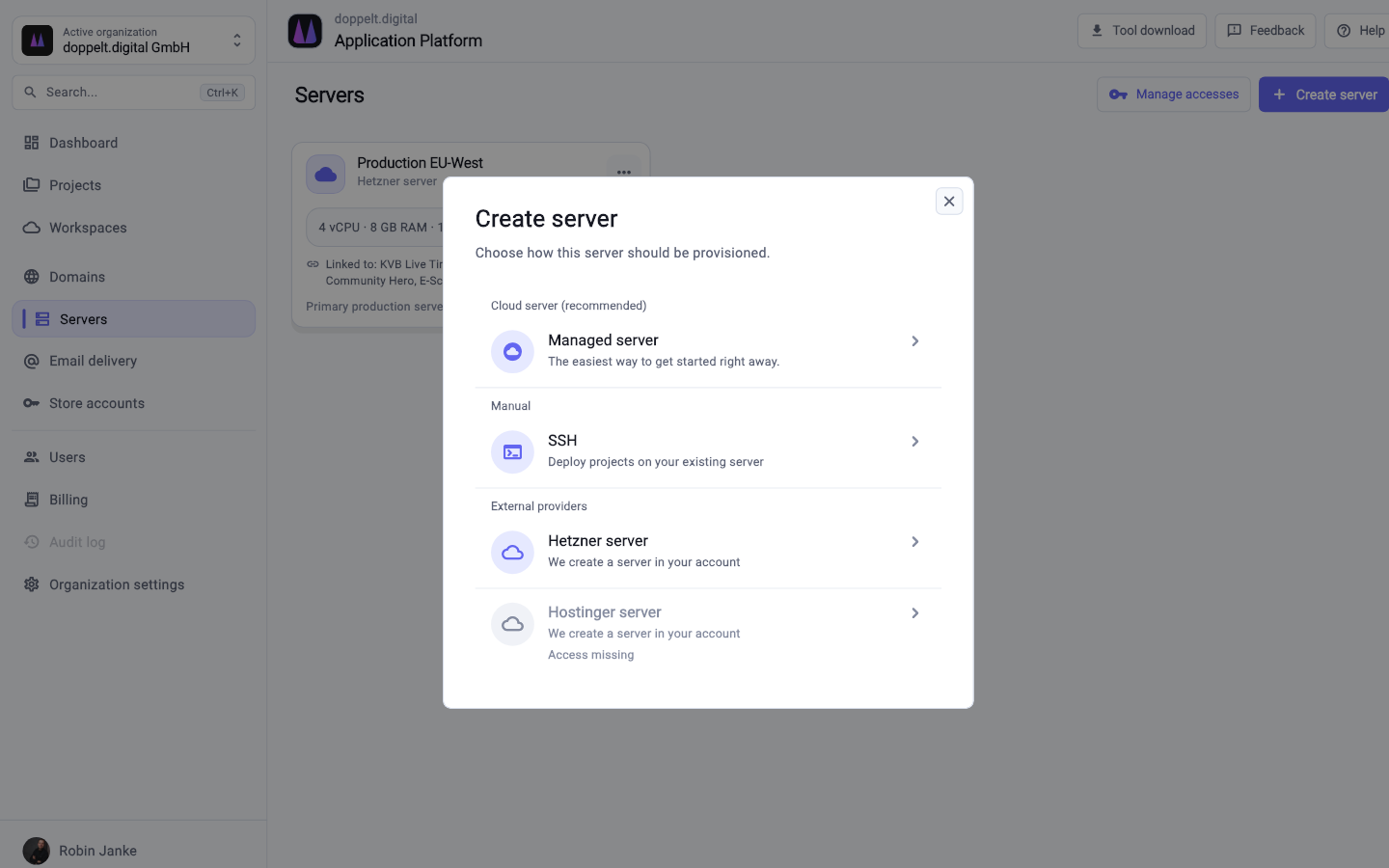
Attach your own machine over SSH or use a managed server. Docker, database, reverse proxy, SSL, firewall and backups get configured.
Pick FastAPI in the wizard. Repository, project structure and CI/CD pipeline are created alongside the project.
Bring your existing endpoints into the repository and store credentials and API keys centrally in the project.
A push starts the pipeline. Once the API answers on its domain, you point a frontend, an app or other services at it.
The application runs in a container built by the pipeline, so interpreter version and dependencies are identical in CI and production instead of maintained per machine. The image is published and rolled out to the connected server.
Yes, those are typical uses for a Python backend. FastAPI suits asynchronous endpoints that wait on external services and tasks that transform data. Keys for external providers live centrally in the project, separated per environment.
It runs on a server you attached over SSH or on a managed server from the platform, and access stays with you. Repositories, pipeline configuration and Docker images are yours too, with no proprietary runtime layer.
Register for free, pick FastAPI as your stack and see how quickly a Python API with a database becomes reachable.
Start for free. No credit card required.


