Your servers, your access
Bring your own server over SSH or use a managed one. Either way, access to the machine stays with you.

Solution
Deployment on your own infrastructure usually means an open source tool on your own server. That just shifts the effort: updates and outages become your job. We run the platform, you keep the servers.
Start for free. No credit card required.
 Docker
 Databases
 Reverse proxy
 SSL
SSL
 Backups
 Firewall
 Kubernetes
 Monitoring
Both routes end with deployments running on infrastructure you control. The difference is who operates the platform underneath.
This describes everyday life with a self installed open source tool compared with a supported platform that works on your servers.
| Criterion | Application Platform | Self operated PaaS tool |
|---|---|---|
| Deploying to your own infrastructure | Fully covered: Your own server over SSH or a managed server, access stays with you | Fully covered: The core idea, everything runs on your machine |
| Installing the platform | Fully covered: Not needed, the control plane is operated for you | Not offered: You install and configure the tool yourself |
| Updates and security patches | Fully covered: Handled for the platform, server baseline is maintained | Not offered: Your responsibility, including breaking changes between versions |
| Outages and troubleshooting | Fully covered: Support for platform operations, with a team in Cologne | Partly covered: Community forums and your own on-call willingness |
| Server baseline | Fully covered: Docker, databases, reverse proxy, SSL, firewall and backups are set up | Partly covered: Partly covered depending on the tool, the rest stays manual |
| CI/CD pipelines | Fully covered: GitLab CI for test, build, publish and release, configuration in the repository | Partly covered: Usually deployment only, CI has to be wired up separately |
| Mobile apps and store releases | Fully covered: Flutter, Expo and native projects through to App Store, Play Store and Microsoft Store | Not offered: Not part of the tool |
| Development environments | Fully covered: Remote workspaces with VS Code, JetBrains, RDP and VNC, including macOS | Not offered: Not part of the tool |
| Roles, permissions and evidence | Fully covered: Organisations, roles, audit log plus a data processing agreement and TOMs as documents | Partly covered: Basic user management, evidence is something you assemble yourself |
| Control over the platform itself | Partly covered: You control projects and servers, not the source code of the control plane | Fully covered: Open source, adaptable if needed and free of licence cost |
Green means fully covered, amber partly, grey not offered. The right column does not describe a single vendor but the usual picture with self installed open source tooling.
As of 10 August 2026. This comparison describes typical workflows and can differ from project to project.
Six points that separate installed software from a supported setup.
Bring your own server over SSH or use a managed one. Either way, access to the machine stays with you.
Docker, databases, reverse proxy, SSL, firewall and backups get configured instead of sitting on a checklist in a wiki.
GitLab CI covers test, build, publish and release. The configuration is readable in the repository and can be adapted.
Platform, repositories and managed servers run in Germany and the EU, with a data processing agreement available.
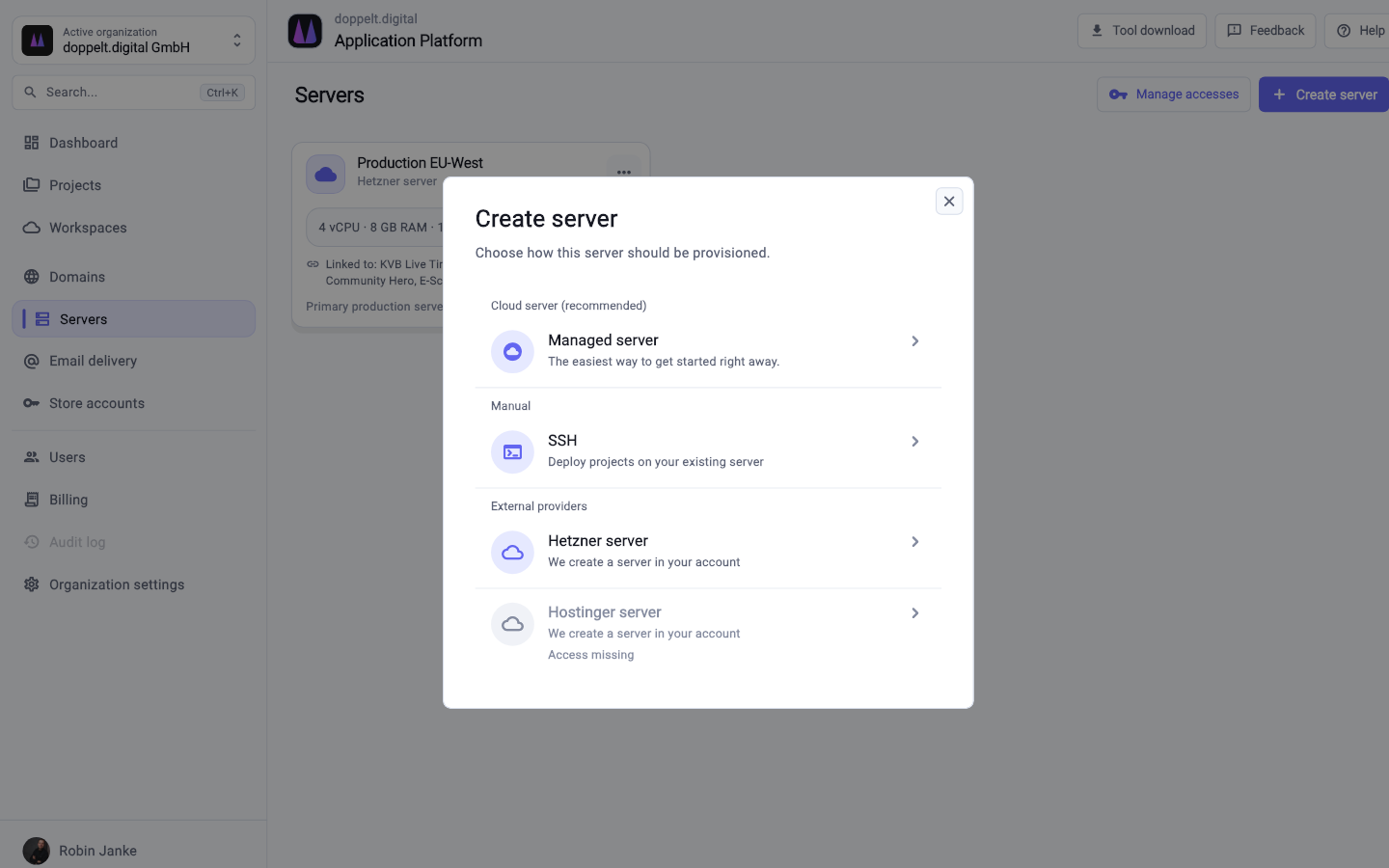
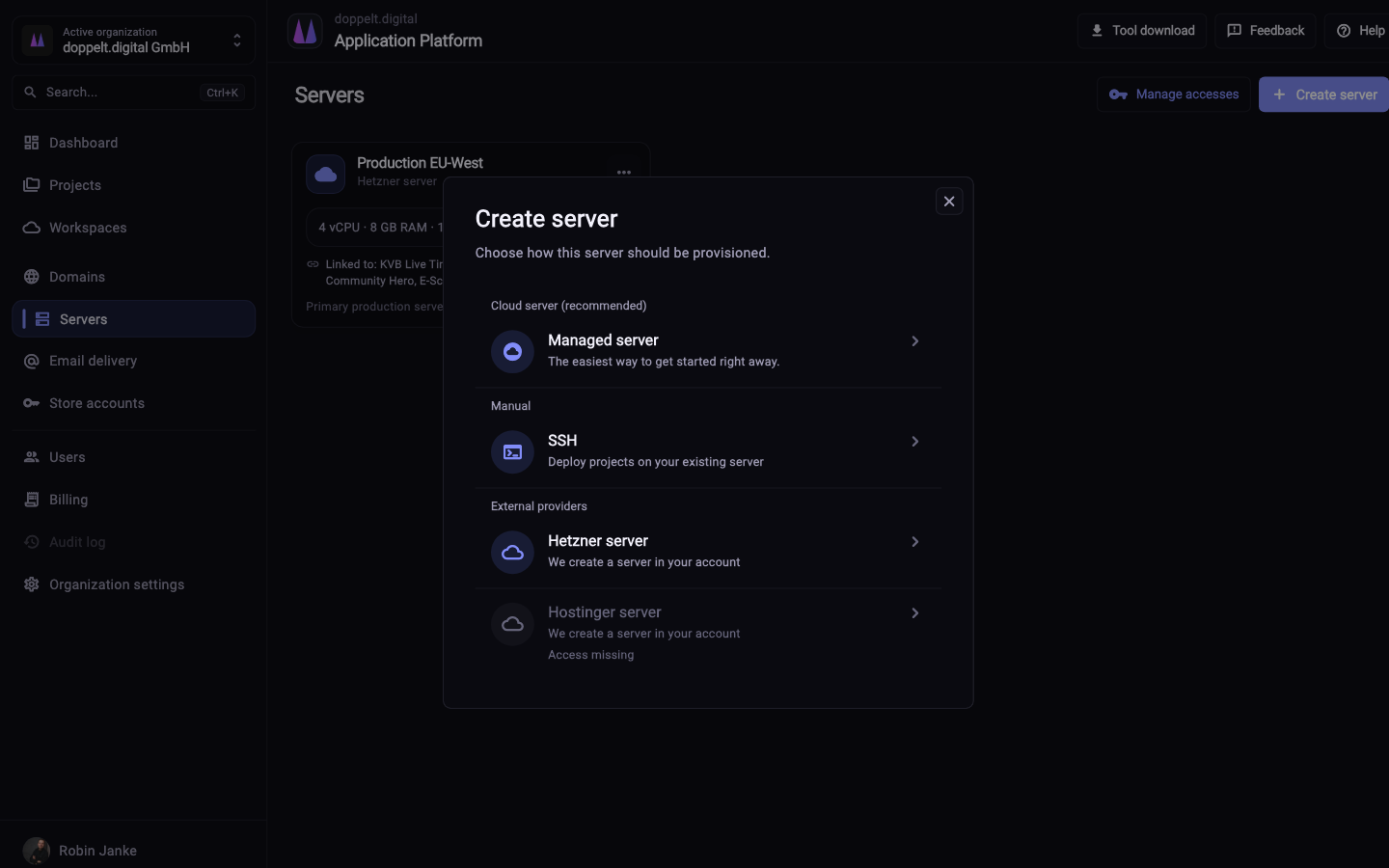
Four steps from an empty server to a first deployment.
Add your own server over SSH or book a managed one. The platform validates the access and starts the setup.
Docker, databases, reverse proxy, SSL, firewall and backups get configured. No playbook or role to write yourself.
Pick your stack in the wizard. Repository, project structure, GitLab CI pipeline, domain and SSL are created with it.
A push triggers the pipeline. Environment variables and credentials live centrally in the project instead of in files on the server.
Partly. Your applications run on servers with SSH access for you, the control plane – web interface, GitLab, automation – is operated by us. That covers data residency; for avoiding any external control plane, open source is the fit.
Quite a lot: no licence fees, readable source, no dependency on a vendor. For teams with operations experience and willingness to handle updates, that is a sound decision – the effort does not disappear, it just never appears on an invoice.
Both are announced and not yet available. Today the platform runs on Docker, with databases, reverse proxy, SSL, firewall and backups around it. For visibility there is error tracking with Sentry, set up automatically.
Register for free, connect a server and compare the effort with your current installation.
Start for free. No credit card required.