
Credentials for external services have an unfortunate habit of spreading out: the Firebase key sits with one colleague, the SMTP details live in an old configuration file, and who has access to the store account only becomes clear when a release is due. Mistakes also surface late — a pasted-in key is missing a character, everything looks fine, and the error shows up during the next build, sometimes weeks later.
Since 3 August the connections area has been reworked, gathering your links to external services in one place and checking credentials before storage.
A tile grid instead of a list
Choosing a service now happens in a tile grid with brand icons — you recognise Firebase, Mailtrap or Sentry by logo instead of reading text. Existing connections show up as cards naming the type and account, so with several Firebase accounts across projects it is clear which is used where.
Firebase via OAuth or a service account
Firebase offers two routes: connect through OAuth, or upload a service account JSON file — quicker versus better suited to automated workflows and accounts not tied to one person. New Firebase projects can be created while setting up the connection, folder and billing account included, removing the detour into the console.
Mailtrap and Sentry
Mailtrap has been added as a new connection type, showing how much of each domain’s capacity is in use along with plan limits. Demo domains are marked so nobody plans production email around a test domain.
Sentry can be set up in host mode and comes with single sign-on through Authentik — your team signs in with the platform login, no separate accounts, and only when you have supplied your own connection.
Credentials are validated up front
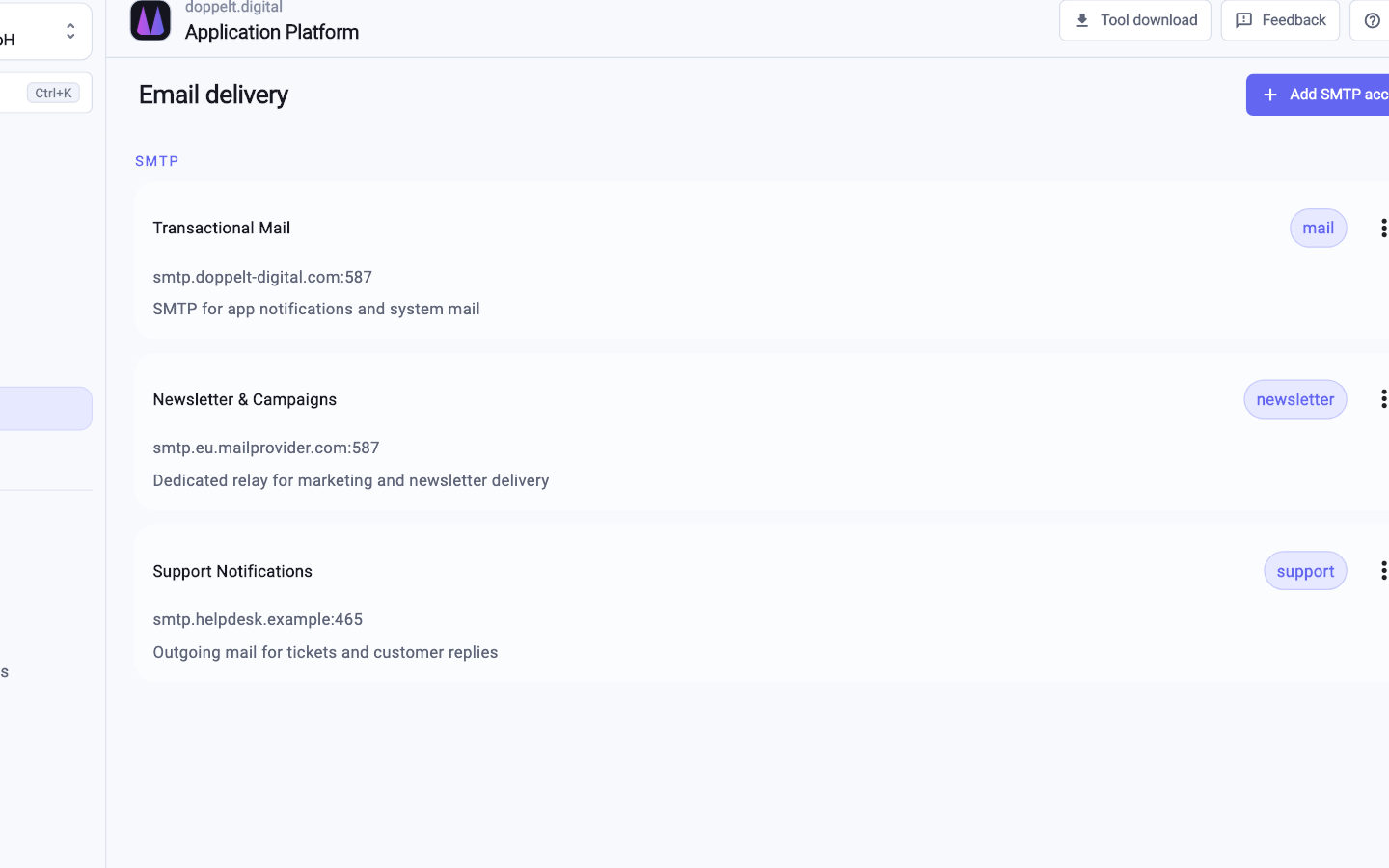
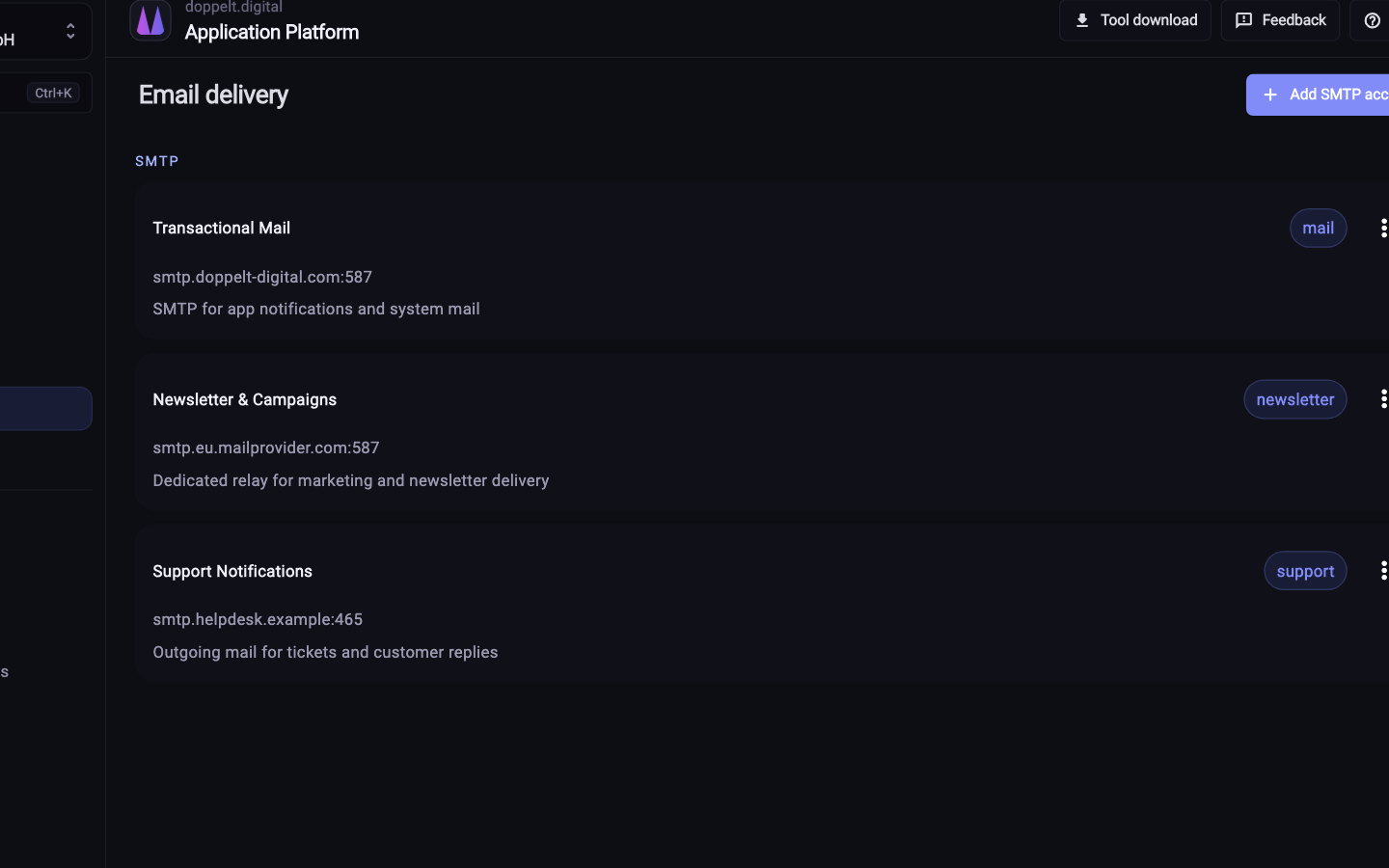
Firebase, SMTP and Mailtrap credentials are verified before they are saved, so you find out about a problem in the form rather than during the next deployment.
For store credentials the check goes further: they are validated against the App Store and the Play Store, and existing apps are loaded so you pick the bundle ID and package name from a list — a typo there would otherwise cost a good chunk of a release day.
New for Windows, and at organisation level
Two connections have been added for Windows: the Microsoft Store and Azure Artifact Signing.
Connections can also be linked at organisation level through OAuth and used across your projects — established once rather than repeated in every project. For agencies this is the norm: many projects, different clients, some accounts your own, some the customer’s — see for agencies.
Related topics
Connections are the prerequisite for much of what runs on its own afterwards, including store accounts and signing keys for mobile apps, described under app store automation.
The practical value: less misconfiguration, faster onboarding, and credentials in one place rather than scattered across files and chat histories.